
Free Malicious IP Blocklists Compared: FireHOL, IPsum, GreenSnow, Emerging Threats, AbuseIPDB
What the popular free IP blocklists actually contain, how often they update, where they cause false positives, and how to load one into OPNsense or iptables without breaking things.
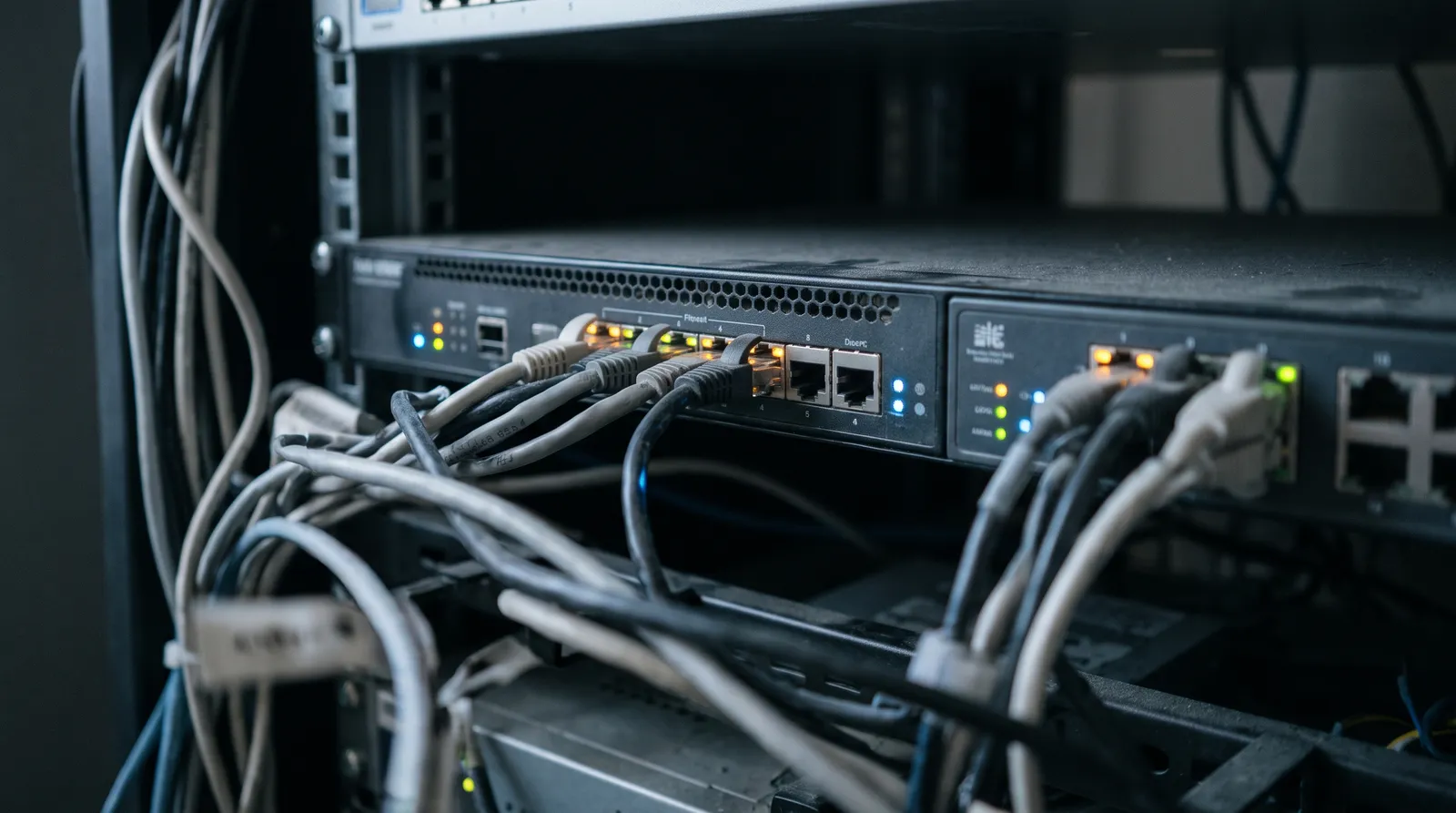
We maintain an open-source aggregated blocklist, bitwire-it/ipblocklist, that pulls from more than thirty public feeds. Building it meant reading, parsing and occasionally cursing most of the free lists people search for. This is what we learned about each one, and how to use them without blocking your own customers.
Two kinds of list: inbound and outbound
Before choosing a feed, decide what you are protecting.
- Inbound lists contain addresses that initiate attacks: SSH and RDP brute force, port scans, web exploit attempts, spam sources. You apply them to traffic coming in from the internet, to protect exposed services.
- Outbound lists contain destinations that compromised machines talk to: command-and-control servers, botnet controllers, malware download hosts. You apply them to traffic leaving your network, to stop an infected laptop or IoT device from calling home.
Most free feeds are inbound lists. Mixing the two in a single rule is a common mistake: an inbound scanner list applied to outbound traffic mostly blocks residential IPs and cloud hosts your users legitimately reach.
The lists people search for
FireHOL (level 1, 2, 3)
FireHOL publishes curated combinations of other feeds in levels. Level 1 is described as maximum protection with minimum false positives, for every internet-facing server and firewall: it combines full bogons, Spamhaus DROP, DShield’s top attacking subnets and the Feodo botnet C2 list. Level 2 tracks attacks seen in roughly the last 48 hours (blocklist.de, DShield 1-day, GreenSnow). Level 3 extends the window to the last 30 days, which means more false positives.
Use level 1 on anything. Level 2 is reasonable for inbound traffic to exposed services. Level 3 is better for logging and scoring than for blocking.
IPsum
IPsum, maintained by Miroslav Štampar, aggregates more than 30 public lists every 24 hours and records, for every IP, how many of those lists contain it. The repository publishes level files: level 1 is every IP seen at least once, level 3 means at least three sources agree, and so on up.
That count is a very useful confidence signal: an IP flagged by one honeypot can be a shared VPN exit, while one flagged by six independent sources is much less likely to be. The author’s own example bans at 3 or more lists. If you take only one feed, IPsum level 3 is a sensible default. In our own pipeline we use a cleaned copy, bitwire-it/ipsum-clean.
GreenSnow
GreenSnow lists IPs caught by its sensors doing brute force and port scanning. It is fresh and focused on inbound attacks, which makes it good for protecting SSH, RDP, mail and web logins. Like any honeypot-based list, it contains addresses that change hands quickly, so it should be refreshed often.
Emerging Threats compromised IPs
Proofpoint’s Emerging Threats publishes compromised-ips.txt, a list of hosts known to be compromised and behaving maliciously. It is small and conservative, and it has been around for years. It works well as an inbound block and as a high-confidence component in an aggregate.
AbuseIPDB
AbuseIPDB is community-driven: users report abusive IPs and the service assigns a confidence score. Direct API access is rate-limited on the free tier, so most people who want a plain list use a mirror. The borestad/blocklist-abuseipdb project publishes high-confidence addresses split by how recently they were reported, which is the part that matters: a 1-day list is far more accurate than a 90-day one.
Spamhaus DROP
Spamhaus DROP (“Don’t Route Or Peer”) lists netblocks hijacked or operated by criminals. It is tiny, has very few false positives and belongs in every firewall. Check the Spamhaus terms before using it commercially.
Quick comparison
| Feed | Direction | False-positive risk | Best use |
|---|---|---|---|
| FireHOL level 1 | Inbound | Very low | Block everywhere |
| FireHOL level 2 | Inbound | Low–medium | Exposed services |
| IPsum level 3+ | Inbound | Low | Single-feed default |
| GreenSnow | Inbound | Medium | Brute-force protection |
| ET compromised IPs | Inbound | Low | High-confidence component |
| AbuseIPDB (recent, high confidence) | Inbound | Low–medium | Web and login protection |
| Spamhaus DROP | Both | Very low | Block everywhere |
Where false positives come from
Every aggregate blocklist eventually blocks something it should not. The usual causes:
- Shared and recycled addresses. Cloud instances, mobile carrier NAT, VPN exits and residential IPs change hands. An address that scanned you last month may belong to a customer today.
- Public DNS resolvers and CDNs. Some feeds include them by mistake. Blocking 8.8.8.8 or a CDN range breaks a lot at once. Our lists explicitly exclude the major public resolvers for this reason.
- Tor exit nodes. Some lists include them. Whether to block Tor is a policy decision, not a threat-intelligence one, so it should be a separate rule.
- Stale data. A list that stops updating keeps blocking addresses that were cleaned long ago. Check the last-update date of every feed you rely on.
The safe approach is to start in log-only mode for a week, look at what would have been blocked, then switch to drop.
How to load a list
OPNsense / pfSense
Create an alias of type URL Table (IPs), paste the raw list URL and set the refresh interval. Use the alias as the source in a block rule on the WAN interface for inbound lists, or as the destination in a rule on LAN for outbound lists. Large aggregates can exceed the default table size, so raise the firewall’s maximum table entries setting before loading them.
Linux with ipset and iptables
Loading millions of entries one by one is slow. Use ipset restore, which is near-instant:
ipset create bw-inbound hash:net maxelem 8000000 -exist
curl -s https://raw.githubusercontent.com/bitwire-it/ipblocklist/main/inbound.txt \
  | grep -Ev '^\s*(#|$)' | grep -v ':' \
  | sed 's/^/add bw-inbound /' | ipset restore -exist
iptables -I INPUT -m set --match-set bw-inbound src -j DROP
Our inbound list is close to four million lines, hence the large maxelem. The grep -v ':' drops IPv6 entries, which an IPv4 set rejects; create a separate family inet6 set for those. Run the refresh from cron, and swap sets with ipset swap if you want to replace the whole list atomically.
Our aggregated lists
If you would rather not maintain your own aggregation, bitwire-it/ipblocklist publishes two files, inbound.txt and outbound.txt, rebuilt every two hours from the sources above and many others, with public DNS resolvers excluded. The data is licensed CC BY-NC-SA 4.0 because several upstream sources prohibit commercial use; the full source list is in the repository. Live numbers on list size and churn are on the blocklist stats dashboard.
When a blocklist is not enough
A blocklist removes a lot of noise at the perimeter, but it only knows about addresses that have already attacked someone. It will not stop a phishing email from a fresh domain or an attacker using stolen credentials from a clean IP. For companies, the blocklist is one layer, alongside MFA, a monitored EDR and tested backups.
That combination is what we run for our clients: the firewall fed by these lists, SentinelOne on every endpoint and someone watching the alerts. If you want it managed for your company, see our managed cybersecurity service.
Sources & Credits
- FireHOL IP lists — Level 1–3 list definitions
- stamparm/ipsum — IPsum feed and level files
- bitwire-it/ipblocklist — Full source list and licence of the Bitwire aggregated lists